Updated
Tool Tracking App for Field Crews: What It Should Actually Do
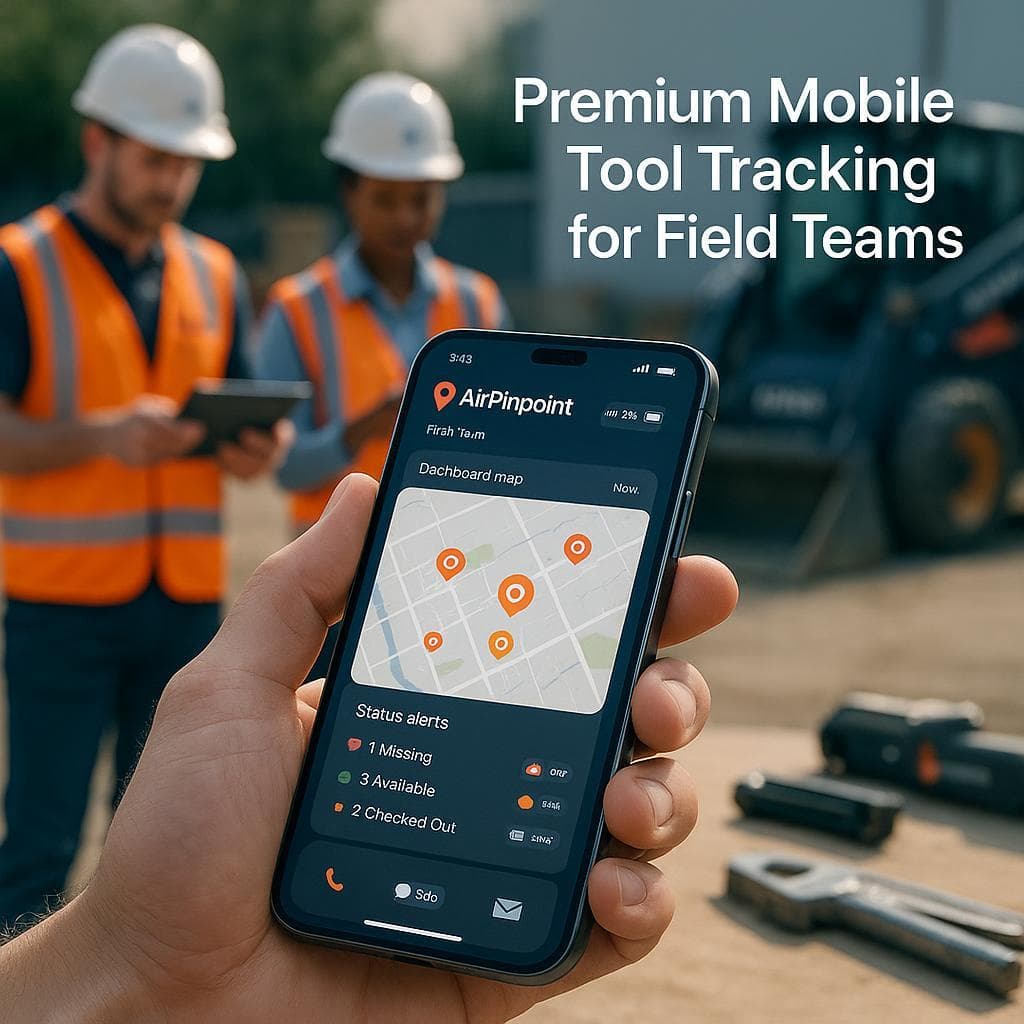
A tool tracking app is only worth installing if it answers one question your crew asks at 7am: where is the tool. Most apps in this category do not answer it. They answer a different question, "who scanned it last," and then go quiet until the next scan. Knowing the difference before you pick one saves you from an app the crew opens twice and abandons.
Updated July 2026. For the platforms behind the app, see best tool tracking software; for the full setup, see tool tracking system.
Two Kinds of Tool Tracking App
| Scan-based app | Live-location app | |
|---|---|---|
| How location updates | Someone scans a QR or barcode | A passive tag reports on its own |
| Between scans | No new position | Updates every 1 to 5 min in populated areas |
| Examples | Sortly, GoCodes, AssetTiger | Airpinpoint (Apple Find My) |
| Best at | Who has it, custody log | Where is it right now |
| Fails at | Finding a tool that walked off | Coverage in remote, no-phone areas |
The mistake is assuming an app that shows a map is tracking live. Most are showing the coordinates from the last scan. A tool disappears in the gap between scans, borrowed and never returned, loaded on the wrong truck, or taken, and a scan-based app is silent for exactly that window.
What a Good Field App Does
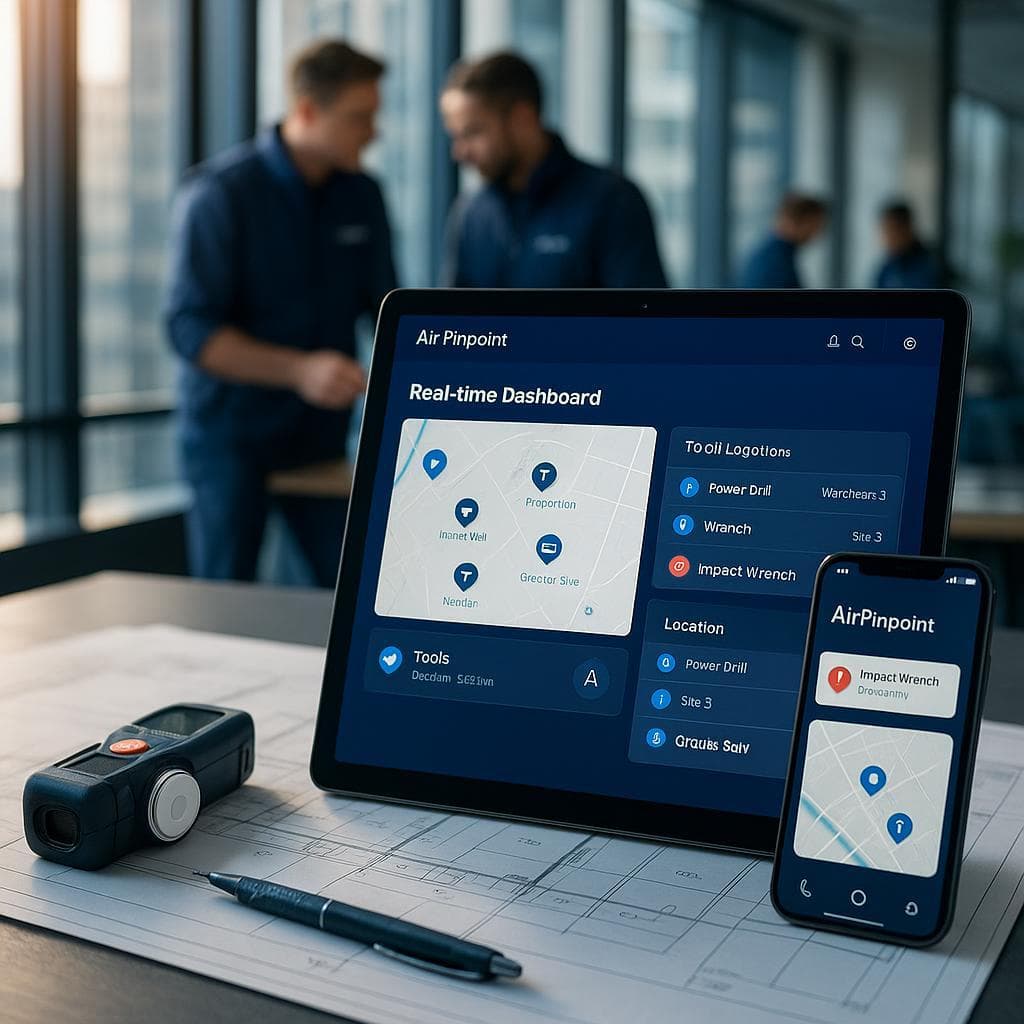
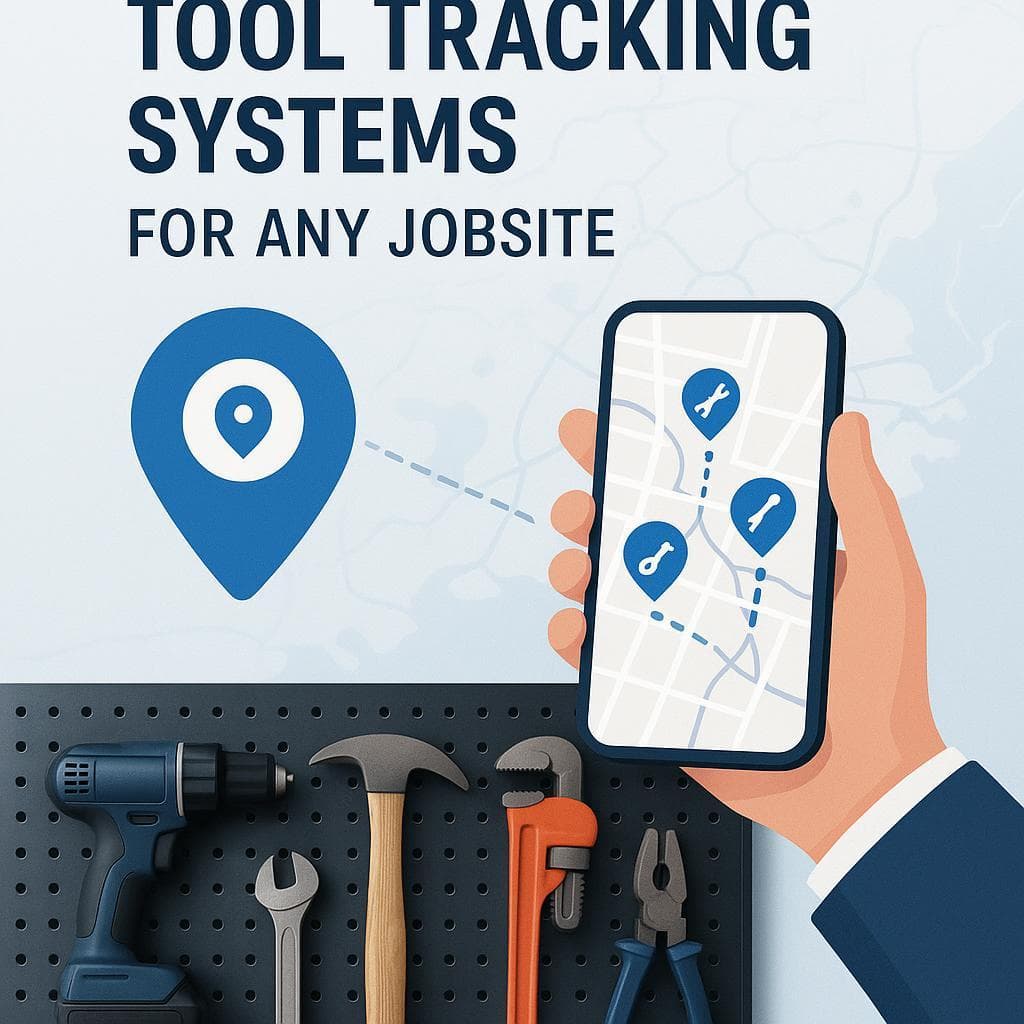
- Shows every tool on one live map, not a spreadsheet you scroll.
- Check in and check out from the phone, so the custody log builds itself as tools move crew to crew.
- Fires a geofence alert by email or webhook once the reports agree a tool has crossed the shop or site boundary, usually 15 to 40 minutes later in town, not at the next inventory count.
- Works with the phone the crew already carries, iOS or Android, with no training. Adoption is the whole game: if the app adds friction, the crew stops using it and the data rots.
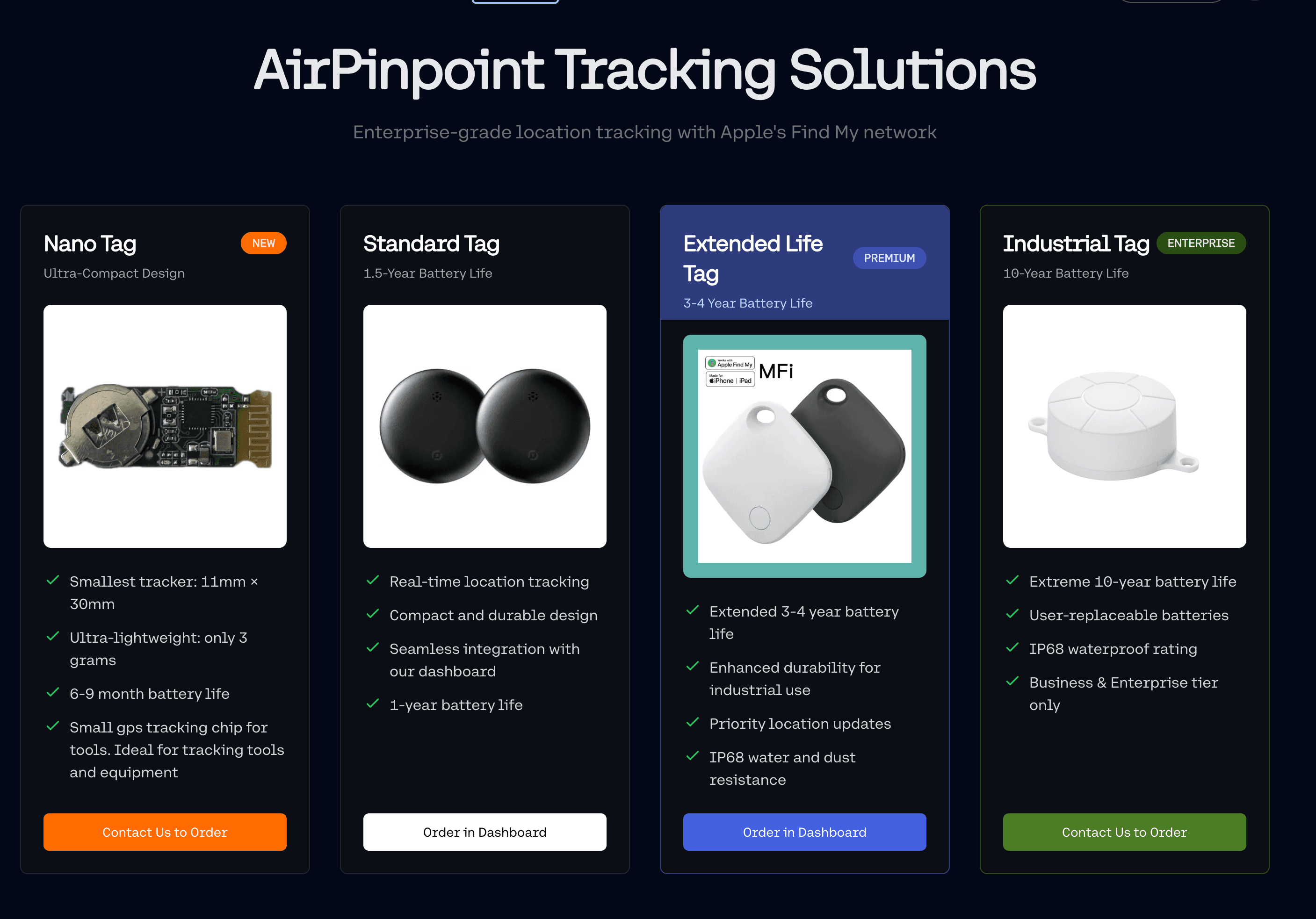
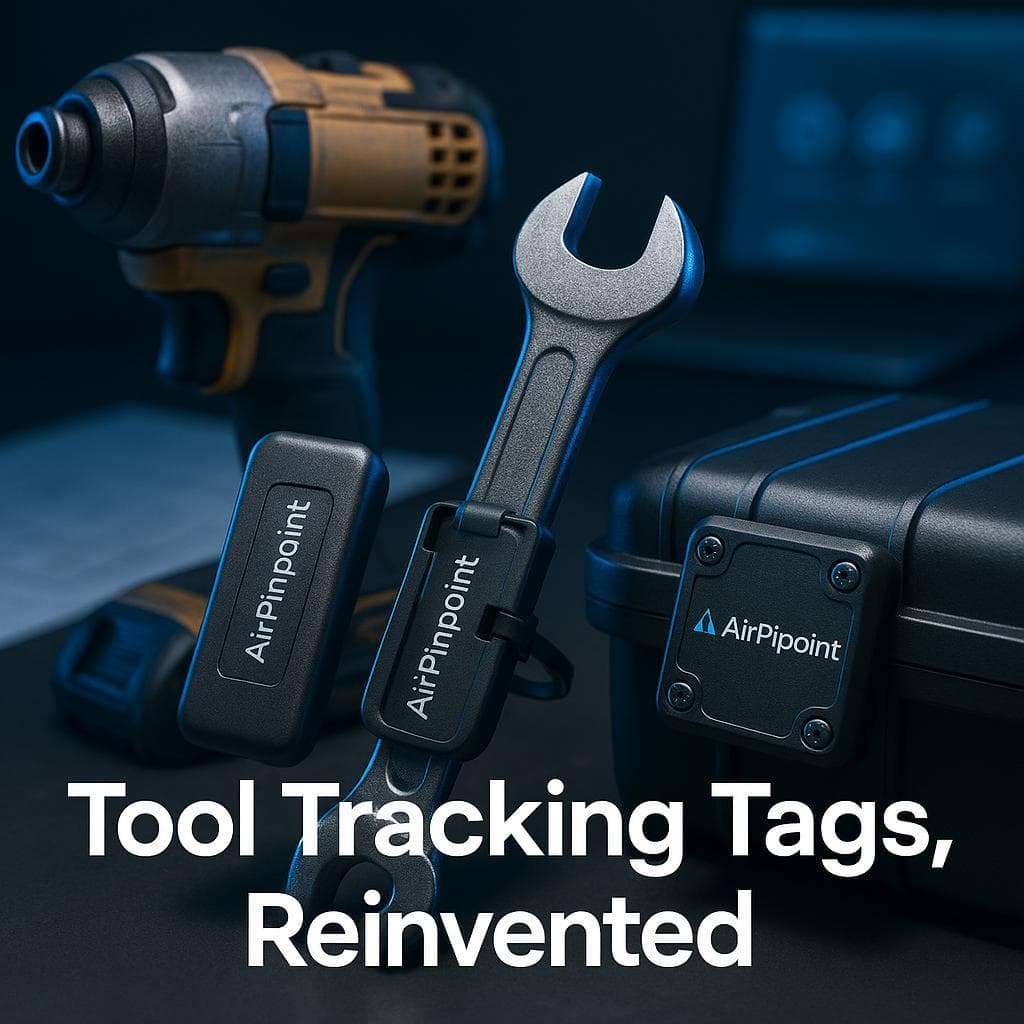
Airpinpoint's app does this on top of Apple Find My tags. The tag reports through nearby iPhones, the app displays it live, and because the tag has no SIM, there is no per-tool cellular line, just a flat $11.99 per tag per month for the dashboard. It also shards past Apple's 32-item limit, so a crew tracks hundreds of tools under one login instead of hitting a wall at the 33rd.
The "Free App" and the Branded-Tool App
Two tempting free options, both with a catch worth knowing:
- Free register apps (Sortly, AssetTiger) are genuinely free at small scale, but they are scan-based. Location updates only when someone scans, so they are an inventory of record, not a locator.
- Milwaukee One-Key and DeWalt Tool Connect apps are free and built into tools you may already own, but Milwaukee's own support page describes recovery as a "community search party": a missing tool only shows a location when another app user walks within Bluetooth range of it. That network is other owners of the same brand, a fraction of the billion-plus Apple devices that relay a Find My tag automatically.
The practical stack: keep One-Key for its lockout feature on Milwaukee gear, and put a $29 Find My tag on everything so the app you actually open for location rides the larger network.
Where to Go Next
- Best tool tracking software: the platforms ranked, with a real pricing matrix.
- Tool tracking system: tags, network, and app across multiple job sites.
- Tool tracking tags: the physical tags that go on each tool.
 Our Solution