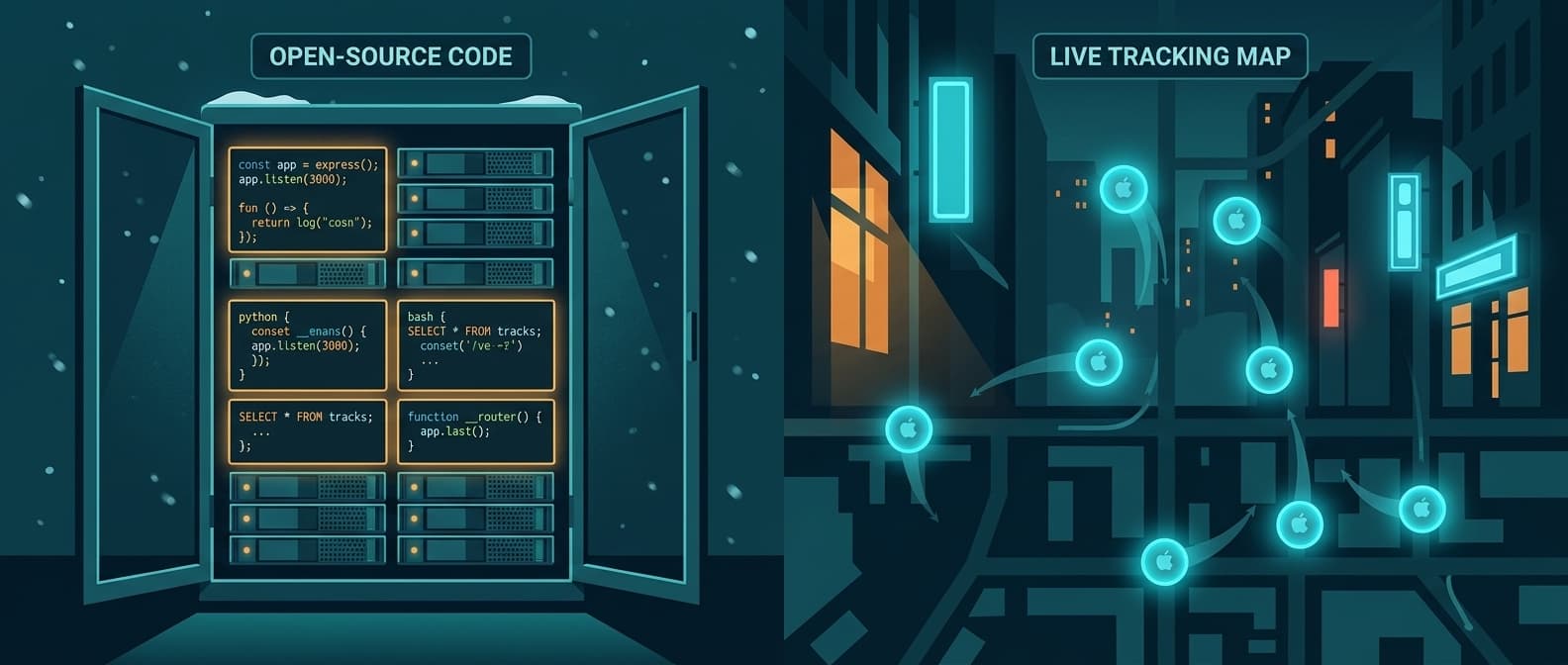
AirTags vs Snipe-IT: When Your Asset Database Needs a Location Layer
Snipe-IT is the best free asset registry. It tracks what you own. It doesn't track where it is.
That distinction matters when your $8,000 generator isn't at the job site where Snipe-IT says it should be. Snipe-IT will tell you it was checked out to Crew B last Thursday. It won't tell you it's currently sitting in a parking lot 12 miles away.
Airpinpoint solves the location half. Attach a beacon, and the asset's position updates automatically through Apple's Find My network. No manual check-ins, no barcode scans, no "last known location: warehouse."
What Each Tool Actually Does
These aren't competitors. They solve different problems that happen to involve the same noun: "assets."
Snipe-IT is an asset registry. It answers: what do we own, who has it, when was it purchased, what's the warranty status, is the license expiring. It's a database with a good UI, barcode scanning, check-in/check-out workflows, and audit logs.
Airpinpoint is a location tracking platform. It answers: where is this asset right now, where has it been, did it leave the geofence, did it move after hours. It's a live map with alerts, history, and reporting.
Head-to-Head Comparison
| Feature | Snipe-IT | Airpinpoint |
|---|---|---|
| Primary function | Asset registry and lifecycle management | Real-time location tracking |
| Price | Free (self-hosted) or $39.99-$249/mo (hosted) | $11.99/device/mo |
| Location tracking | Manual text field only | Automatic via Apple Find My network |
| Live map | No | Yes, with location history |
| Geofence alerts | No | Yes, polygon-based with custom schedules |
| Check-in/check-out | Yes, with audit trail | No (not a registry) |
| Barcode/QR scanning | Yes, built-in | No (uses BLE beacons instead) |
| License management | Yes, with expiration alerts | No |
| Depreciation tracking | Yes | No |
| Custom fields | Yes, extensive | Tags and notes |
| API | REST API | REST API + Zapier |
| Setup | Self-host (PHP/MySQL) or pay for hosting | Sign up, attach beacons |
| Hardware required | None (software only) | BLE beacons ($12-25 each) |
| User management | LDAP/SAML, role-based access | Team invites, role-based access |
| Open source | Yes (AGPL-3.0) | No |
| Mobile app | Third-party only | Web app (works on any device) |
Where Snipe-IT Excels
Snipe-IT is genuinely excellent at what it does. 4.6/5 on G2, 4.4/5 on Capterra, and widely used across IT departments, schools, non-profits, and government agencies.
Asset Lifecycle Management
Snipe-IT tracks the full lifecycle: procurement, assignment, maintenance, depreciation, and disposal. Every action is logged. You know who checked out what, when, and whether it came back. For IT departments managing laptops, monitors, and peripherals, this workflow is essential.
License and Warranty Tracking
Software licenses with seat counts, expiration dates, and renewal alerts. Hardware warranties with coverage periods. These are real operational needs that Snipe-IT handles well and that Airpinpoint doesn't address at all.
Cost
Free self-hosted is hard to beat. If you have a $5/month VPS and someone who can install PHP, you get a full asset management system for nothing. The hosted plans ($39.99-$249/mo) are flat-rate, not per-device. For organizations with 500+ assets, the per-asset cost approaches zero.
Customization
Open source means you can modify anything. Custom fields, custom statuses, custom workflows. Large organizations with specific compliance requirements can fork and extend.
Where Snipe-IT Falls Short
The limitations show up when "asset management" means "I need to physically find things."
No Location Awareness
Snipe-IT has a location field, but it's a text string you update manually. "Warehouse A" is only useful if the asset is still in Warehouse A. There's no GPS, no BLE, no automatic position updates, no map view. If an asset moves, Snipe-IT doesn't know until someone scans it again.
Manual Data Entry Dependency
Every status update requires a human action: scan a barcode, click a button, type a location. G2 and Capterra reviewers consistently flag this. In fast-moving environments (construction sites, event setups, field services), manual updates fall behind reality within hours.
No Alerts for Physical Movement
Snipe-IT can alert you when a license expires or when an asset is overdue for return. It cannot alert you when a trailer leaves a job site at 2 AM. There's no geofencing, no movement detection, no after-hours monitoring.
Reporting Gaps
Reviewers note that Snipe-IT's reporting is functional but limited. You can't answer questions like "how many hours did this equipment spend at each site this month" or "which assets haven't moved in 30 days" because Snipe-IT doesn't have movement data.
Where Airpinpoint Fills the Gap
Automatic Location Updates
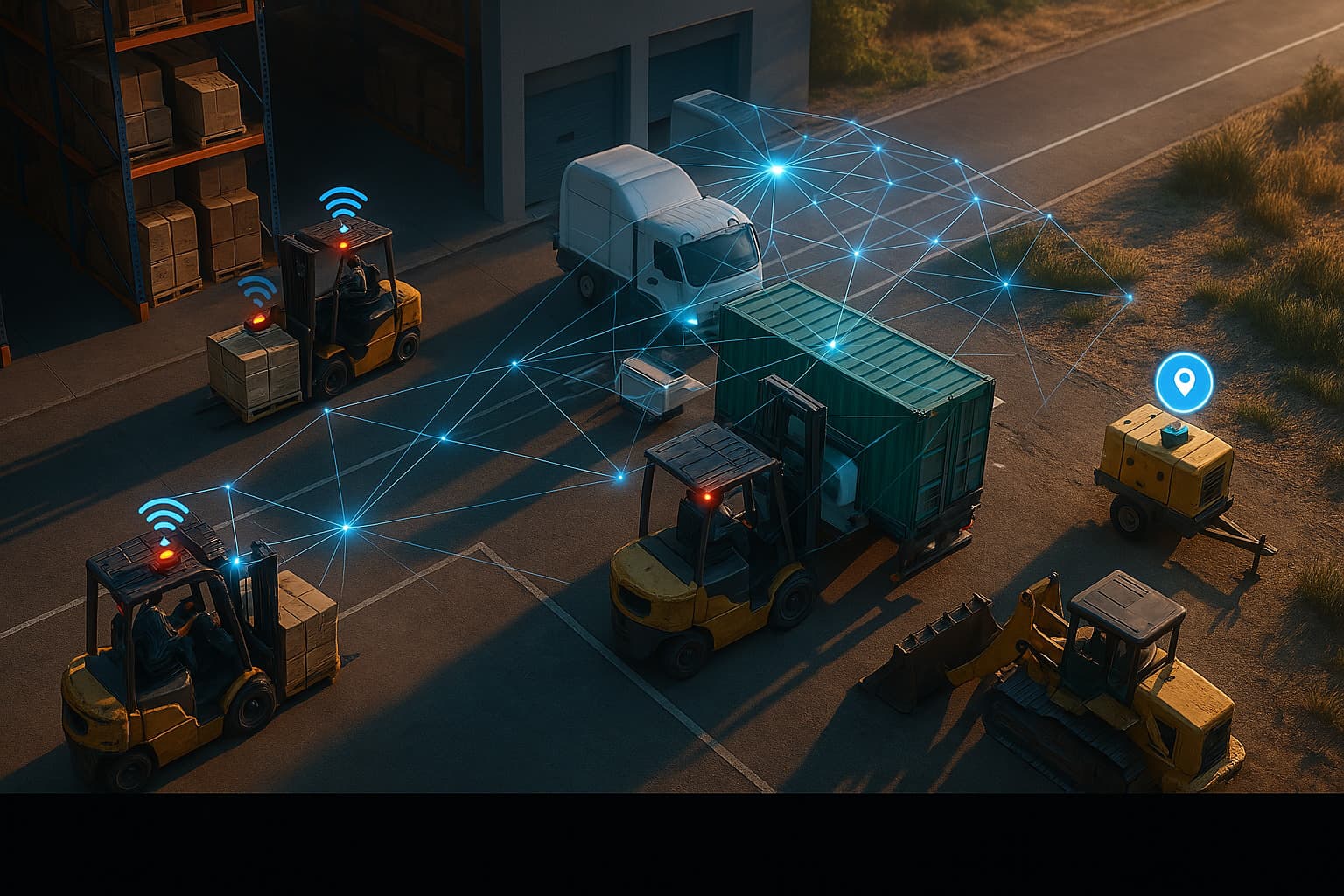
Airpinpoint beacons broadcast on Apple's Find My network. Any of the over a billion active Apple devices in the world can relay a beacon's position. Location updates happen automatically, with no scanning, no check-ins, no human involvement. The dashboard shows every asset on a live map.
Geofence Alerts
Draw a polygon around a job site, warehouse, or parking lot. If a tracked asset enters or exits that boundary, you get an alert. Set schedules so you only get notified about after-hours movement. This is the theft-prevention and accountability layer that a database can't provide.
Location History
Every location update is stored. Pull up any asset and see where it's been over the past week, month, or year. This data serves insurance claims, utilization analysis, and dispute resolution. Snipe-IT's audit log shows who clicked what button. Airpinpoint's history shows where the asset physically traveled.
Zero Maintenance Tracking
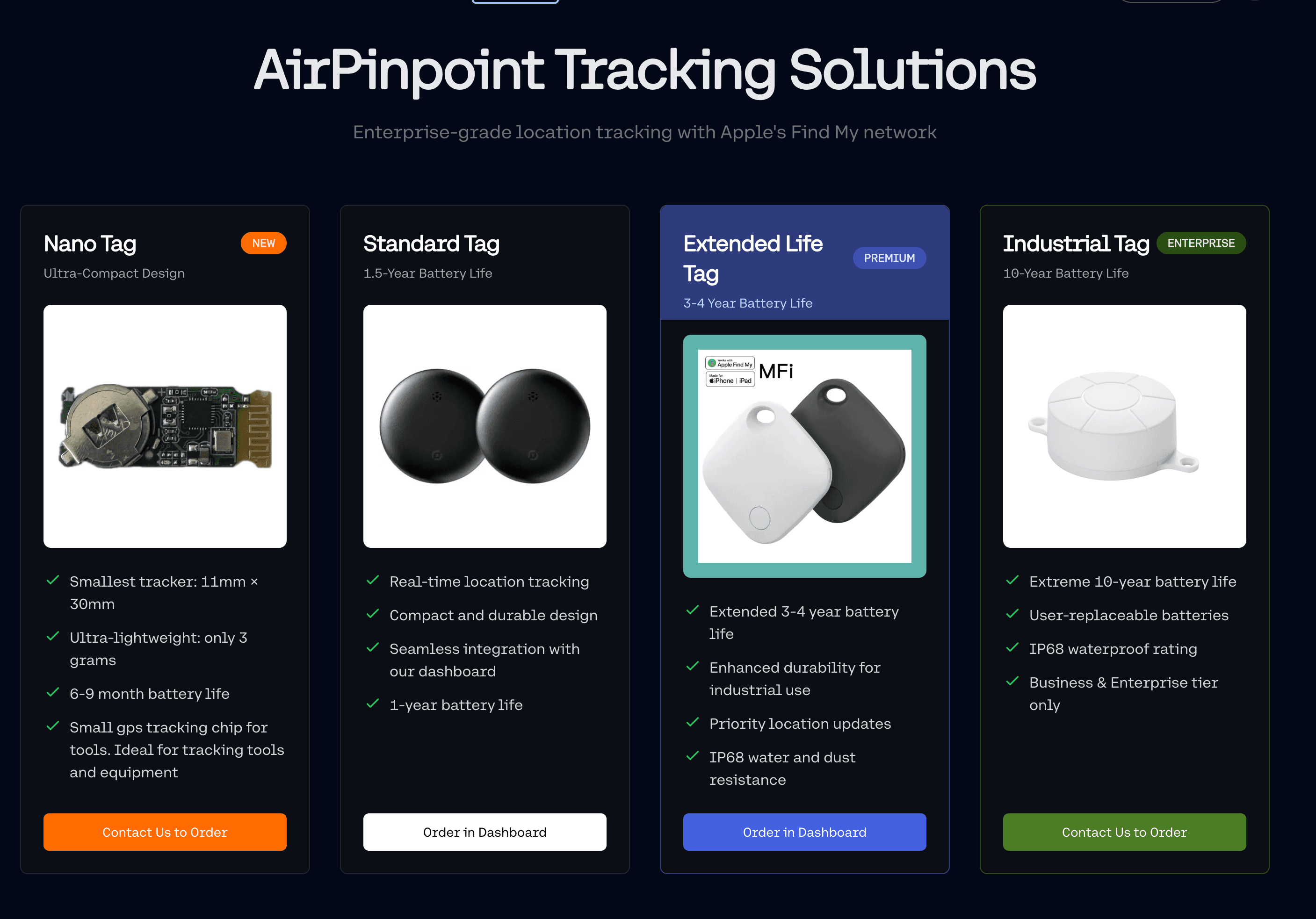
Airpinpoint's custom NRF52810 beacons have a 7-year battery life. Attach one and forget about it. No barcode stickers that get scratched off. No QR codes that fade in the sun. No manual scan required every time an asset moves.
The Real Decision: Registry vs. Location
This isn't an either/or choice for most organizations. It's a "when do you need what" decision.
You need Snipe-IT (or a registry like it) when:
- Tracking asset ownership, assignment, and return workflows
- Managing software licenses and seat counts
- Calculating depreciation for accounting
- Maintaining audit trails for compliance
- Running on zero budget with self-hosting capability
You need Airpinpoint when:
- Assets move between locations and you need to know where they are now
- Theft or unauthorized movement is a risk
- Multiple crews share equipment across job sites
- You need location data for insurance claims or utilization reports
- Manual check-in processes can't keep up with operational speed
You need both when:
- You want lifecycle management AND physical location tracking
- Your Snipe-IT database is accurate about what you own but useless for finding it
- Compliance requires both audit trails and location documentation
Cost Comparison
Snipe-IT (100 assets)
- Self-hosted: $0/mo (you provide the server)
- Basic hosted: $39.99/mo ($0.40/asset)
- Dedicated hosted: $249/mo ($2.49/asset)
- Enterprise support: Add $4,999/year
Airpinpoint (100 assets)
- Hardware: 100 beacons at $12-25 each = $1,200-2,500 (one-time)
- Subscription: $11.99/device/mo = $1,199/mo
- Annual cost: $14,388 + hardware
Both Together (100 assets)
- Snipe-IT hosted: $39.99/mo
- Airpinpoint: $1,199/mo
- Total: ~$1,239/mo for full lifecycle management plus real-time location
Airpinpoint costs more because it includes physical hardware and continuous location data from a global relay network. Snipe-IT is cheaper because it's a database. The question is whether knowing where your assets are is worth $12/device/month. For a company that's lost one $5,000 generator, the math resolves quickly.
Migration Path
If you're running Snipe-IT today and want to add location tracking, you don't need to replace anything.
- Keep Snipe-IT for asset registry, check-in/check-out, and lifecycle management
- Sign up for Airpinpoint at airpinpoint.com
- Order beacons for the assets you want to track physically
- Attach beacons to high-value or high-mobility assets first
- Use Airpinpoint's API to sync location data back into Snipe-IT's custom fields if you want a single pane of glass
You can start with 10 beacons on your most critical assets and expand from there. No changes to your Snipe-IT setup required.
The Bottom Line
Snipe-IT is the best free asset registry available. For IT asset management, license tracking, and audit compliance, it's hard to justify paying for an alternative when Snipe-IT does the job for free.
But a registry is not a tracker. Snipe-IT knows your generator exists, costs $8,000, was purchased in March, is assigned to Crew B, and has a warranty until 2027. Airpinpoint knows it's currently at 34.0522 N, 118.2437 W, arrived there at 6:14 AM, and hasn't moved since.
One tool manages your asset list. The other finds your assets. Most companies that outgrow Snipe-IT don't need to replace it. They need to add the location layer it was never built to provide.
 Our Solution