QuickBooks Asset Tracking: Adding Physical Location to Your Financial Records
QuickBooks tracks your assets' book value. It calculates depreciation, maintains tax schedules, and posts journal entries. What it doesn't know is where any of those assets physically are right now.
Your QuickBooks fixed asset register says you own a $45,000 excavator with $12,000 in accumulated depreciation. It doesn't say whether that excavator is at the downtown job site, the warehouse, or a completed project where it's been sitting unused for three weeks.
This is the gap. QuickBooks handles financial asset management. Physical asset tracking requires a separate system. Here's how to add location tracking to your QuickBooks workflow without replacing anything.
What QuickBooks Actually Does for Asset Tracking
QuickBooks has real fixed asset management capabilities, especially in its higher-tier plans. Here's what each version offers:
| QuickBooks Version | Fixed Asset Features |
|---|---|
| Simple Start / Essentials | Manual journal entries for depreciation. No dedicated asset register. |
| Plus | Chart of accounts with fixed asset categories. Manual depreciation tracking. |
| Online Advanced | Built-in fixed asset register. Automatic monthly depreciation posting. Asset categories and subcategories. |
| Desktop Premier Accountant | Fixed Asset Manager (FAM). IRS-compliant depreciation. Parallel books (Book, Federal, State, AMT, ACE). |
| Desktop Enterprise | Full FAM access. MACRS, straight-line, declining balance, sum-of-years methods. Automatic journal entries. |
QuickBooks Online Advanced and Desktop Enterprise are solid for financial asset management. They handle purchase tracking, depreciation schedules, disposal records, and tax compliance.
None of them track physical location.
The Gap: Financial Records vs. Physical Reality
Here's what a typical QuickBooks fixed asset entry looks like versus what's missing:
| Data Point | QuickBooks Tracks | QuickBooks Doesn't Track |
|---|---|---|
| Asset identity | Name, category, serial number | Current physical location |
| Financial value | Purchase price, book value, salvage value | Whether it's being used or sitting idle |
| Depreciation | Method, schedule, accumulated depreciation | Movement between job sites |
| Tax compliance | Section 179, MACRS, parallel books | Unauthorized after-hours movement |
| Lifecycle | Purchase date, disposal date | Real-time GPS coordinates |
| Assignment | Cost center or class | Which employee/site has it |
For a business with 5 assets in one location, this gap doesn't matter. For a business with 20-100+ assets across multiple sites, it creates real operational problems.
What Those Problems Cost
Ghost assets. The IRS estimates 15-30% of fixed assets on corporate books no longer physically exist. They've been scrapped, lost, stolen, or transferred without documentation. You're depreciating assets you don't have, overstating your balance sheet, and overpaying property tax in some jurisdictions.
Idle equipment. A $40,000 skid steer sitting at a completed job site for 3 weeks while another site rents one at $1,500/week. Nobody knew it was available because the only record is in QuickBooks, which says you own it but not where it is.
Audit failures. When auditors ask to verify physical existence of fixed assets, someone has to physically locate each one. For a company with assets across 5-10 locations, this takes days. With location tracking, it takes minutes.
Theft and loss. Construction equipment theft alone costs $1 billion+ annually in the US, with under 25% recovery rates. QuickBooks will tell you that the stolen generator had a book value of $8,000. It won't alert you when it leaves the job site at 2 AM.
How Airpinpoint Fills the Gap
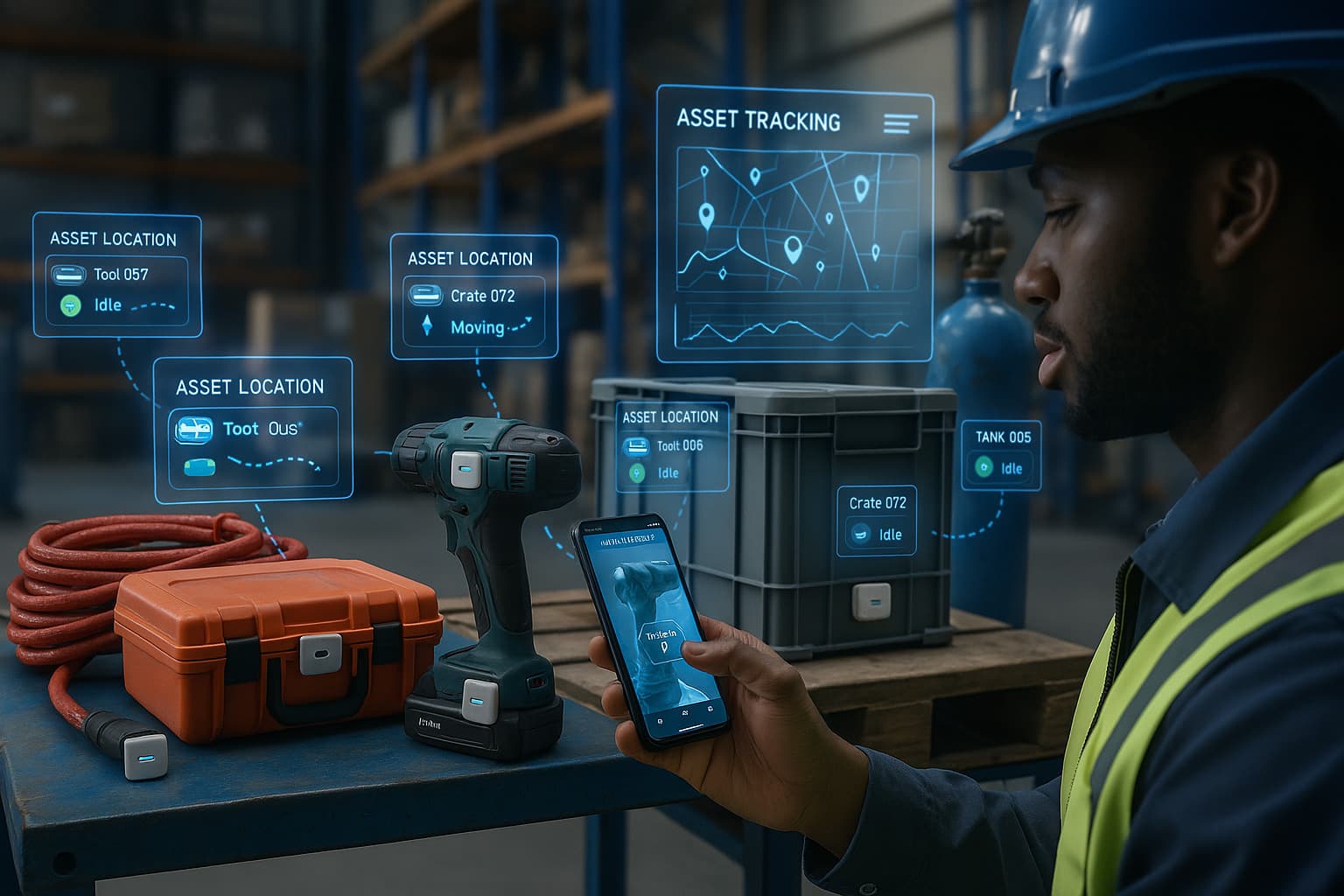
Airpinpoint tracks physical asset location using Apple AirTags and the Find My network. It's not an accounting system. It doesn't touch your depreciation schedules. It answers the one question QuickBooks can't: where is this asset right now?
How It Works
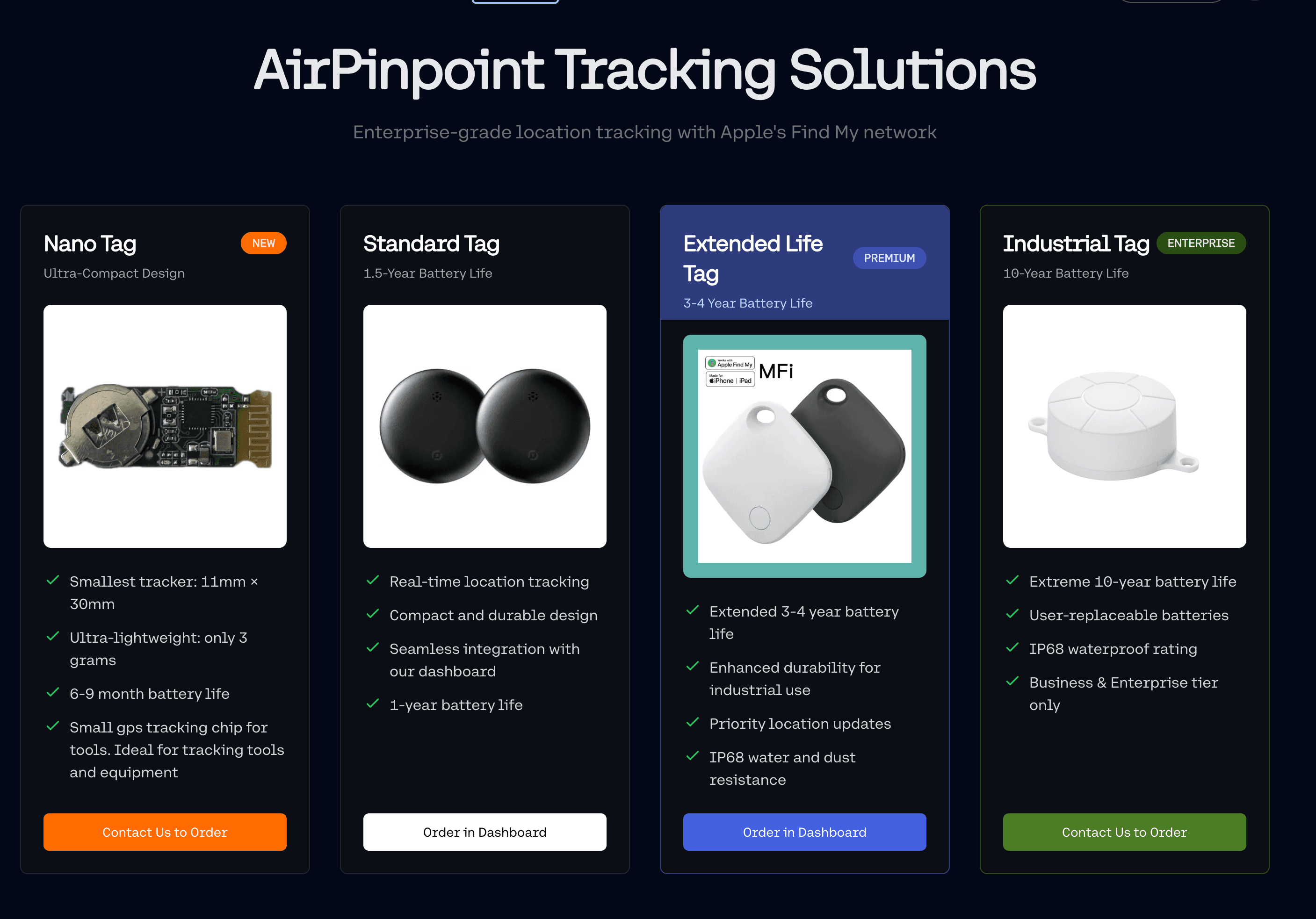
- Attach an AirTag ($29) to each asset you want to track physically.
- Add the asset to Airpinpoint using the same name/ID you use in QuickBooks.
- The AirTag broadcasts its location via the Apple Find My network (1 billion+ Apple devices relay the signal).
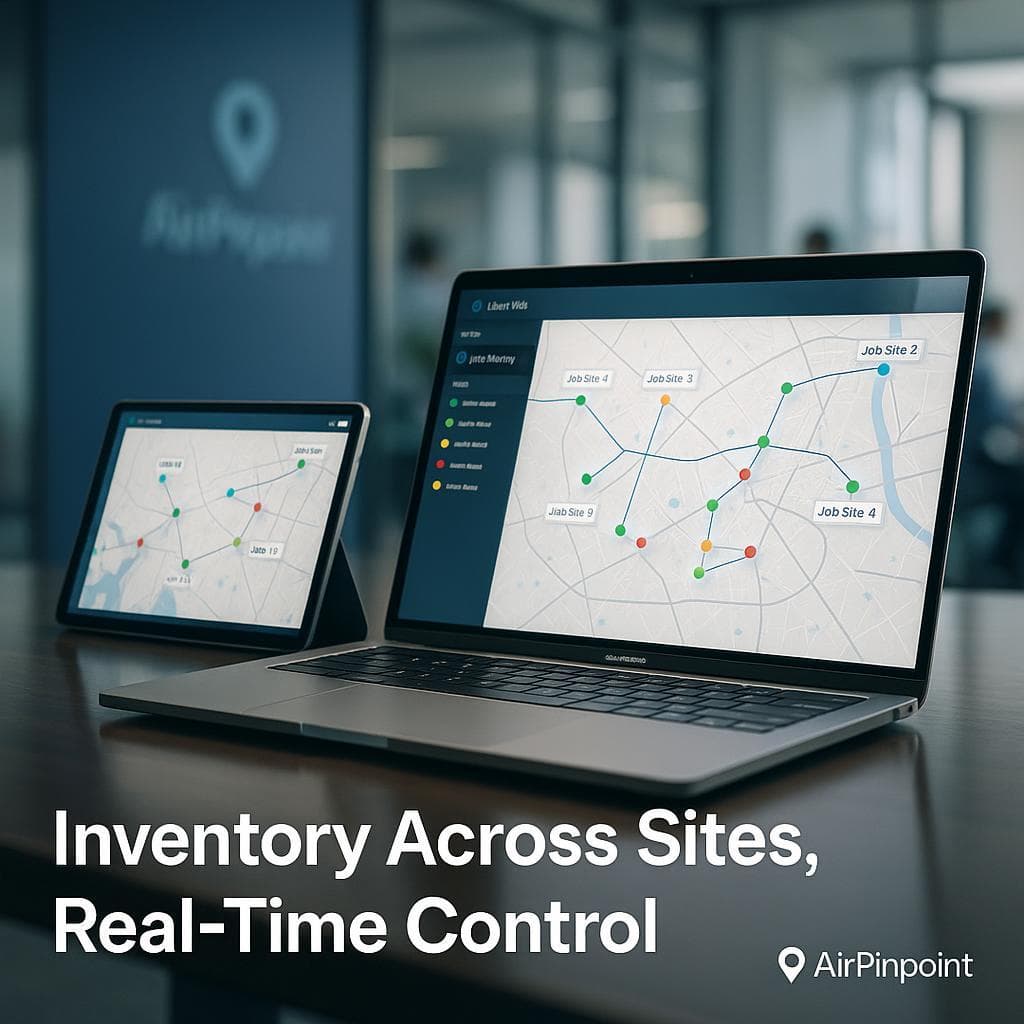
- Airpinpoint shows every asset on a live map with location history and movement alerts.
Your QuickBooks workflow doesn't change. Depreciation schedules keep running. Journal entries keep posting. Airpinpoint runs alongside it, handling the physical side.
What Airpinpoint Adds to Your QuickBooks Workflow
| Capability | How It Helps QuickBooks Users |
|---|---|
| Live asset map | See every asset's current location. Match physical inventory to your QuickBooks register in minutes, not days. |
| Location history | Timestamp trail of every asset movement. Know exactly when equipment moved between sites. |
| Geofence alerts | Draw boundaries around job sites or warehouses. Get notified when assets enter or leave. |
| Idle asset detection | Spot equipment sitting unused at completed projects. Redeploy it instead of renting. |
| Theft alerts | After-hours movement triggers notifications. Recover assets before they disappear. |
| Multi-site visibility | One dashboard showing assets across all locations. No more calling site managers Monday morning. |
Running Both Systems: A Practical Example
Consider a mechanical contractor with 35 tracked assets: 4 box trucks, 8 trailers, 12 generators, 6 scissor lifts, and 5 welders. They run QuickBooks Online Advanced.
In QuickBooks:
- Each asset is in the fixed asset register with purchase date, cost, and depreciation method.
- Monthly depreciation posts automatically.
- Assets are categorized (Vehicles, Equipment, Tools).
- Book value updates for tax reporting.
In Airpinpoint:
- Each asset has a matching name (e.g., "Generator-007" in both systems).
- The live map shows 4 trucks and 6 trailers at the hospital project, 2 trailers at the warehouse, 3 generators at the school renovation.
- A geofence alert fires when a scissor lift leaves the hospital site after hours.
- Location history shows Generator-012 has been at a completed project for 11 days. The office redeploys it.
Total cost:
- QuickBooks Online Advanced: ~$235/month (existing cost, unchanged)
- Airpinpoint Business: $11.99 x 35 = $419.65/month
- AirTags: $29 x 35 = $1,015 (one-time)
- First-year total for location tracking: $6,050.80
Compare that to one avoided equipment rental ($1,500/week), one recovered stolen generator ($8,000), or one reduced audit cycle (days to hours). The math works within the first quarter for most businesses.
QuickBooks Asset Tracking Alternatives Compared
Several platforms market themselves as QuickBooks asset tracking solutions. Here's how they compare:
| Solution | What It Does | QuickBooks Relationship | Location Tracking | Starting Price |
|---|---|---|---|---|
| QuickBooks FAM | Depreciation, tax compliance | Built into Desktop | None | Included with Desktop Enterprise |
| Asset Panda | Full asset lifecycle management | Direct integration via Zapier | Barcode/QR scan-based (manual) | Custom pricing ($1,500+/yr typical) |
| EZOfficeInventory | Equipment checkout, maintenance | QuickBooks sync | Manual check-in/check-out | $420/yr (250 assets) |
| Sortly | Visual inventory management | No direct integration | Manual photo-based | $588/yr |
| Airpinpoint | Real-time physical location | Parallel system, shared naming | Automatic GPS via Find My network | $11.99/device/month |
The key difference: Asset Panda, EZOfficeInventory, and Sortly try to replace parts of your workflow. They want you to manage assets in their system and sync back to QuickBooks. Airpinpoint doesn't replace anything. It adds the one capability QuickBooks lacks (physical location) and runs alongside your existing setup.
Which QuickBooks Users Benefit Most
Construction companies with equipment across 3-10+ job sites. QuickBooks handles project accounting and equipment depreciation. Airpinpoint shows which site has which equipment.
Service businesses (HVAC, plumbing, electrical) with tool-equipped vehicles. QuickBooks depreciates the fleet. Airpinpoint tracks where each van and trailer is in real time.
Rental companies managing equipment out to customers. QuickBooks tracks rental revenue and asset depreciation. Airpinpoint confirms the physical location of rented assets.
Property management companies with maintenance equipment spread across buildings. QuickBooks records the assets. Airpinpoint shows which property has the pressure washer.
Any business that's ever spent time physically locating an asset that QuickBooks says they own.
Getting Started
- Keep QuickBooks exactly as is. Don't change your depreciation methods, categories, or workflows.
- Identify high-value or mobile assets. Start with equipment that moves between locations or has theft risk. You don't need to track everything.
- Order AirTags. $29 each from Apple. Buy in bulk for volume discounts on 10+ packs.
- Create matching entries in Airpinpoint. Use the same asset names or IDs you use in QuickBooks for easy cross-reference.
- Set up geofences around your key locations (warehouse, job sites, client locations).
- Check the dashboard instead of making phone calls. Your Monday morning asset location check drops from 2 hours to 2 minutes.
Your QuickBooks fixed asset register becomes significantly more useful when every entry has a corresponding physical location you can verify in seconds.
 Our Solution